
If your employees are required to sign a Washington DRRI as a part of their application, you can configure the DRRI widget to automatically populate the user's role in the authorization section of the form. This way, the question will not be visible to the applicant.
- Navigate to Config > Forms, then find the Washington DRRI form and click it to open it.
- Scroll down to where the Washington DRRI widget is configured into the form.
- Click the pencil on the widget to edit it.
- Toggle Set default selection for authorization form? to Yes, then select the default that you would like to appear in the authorization section of the form. You can select one or more than one.
- Finally, click Save.
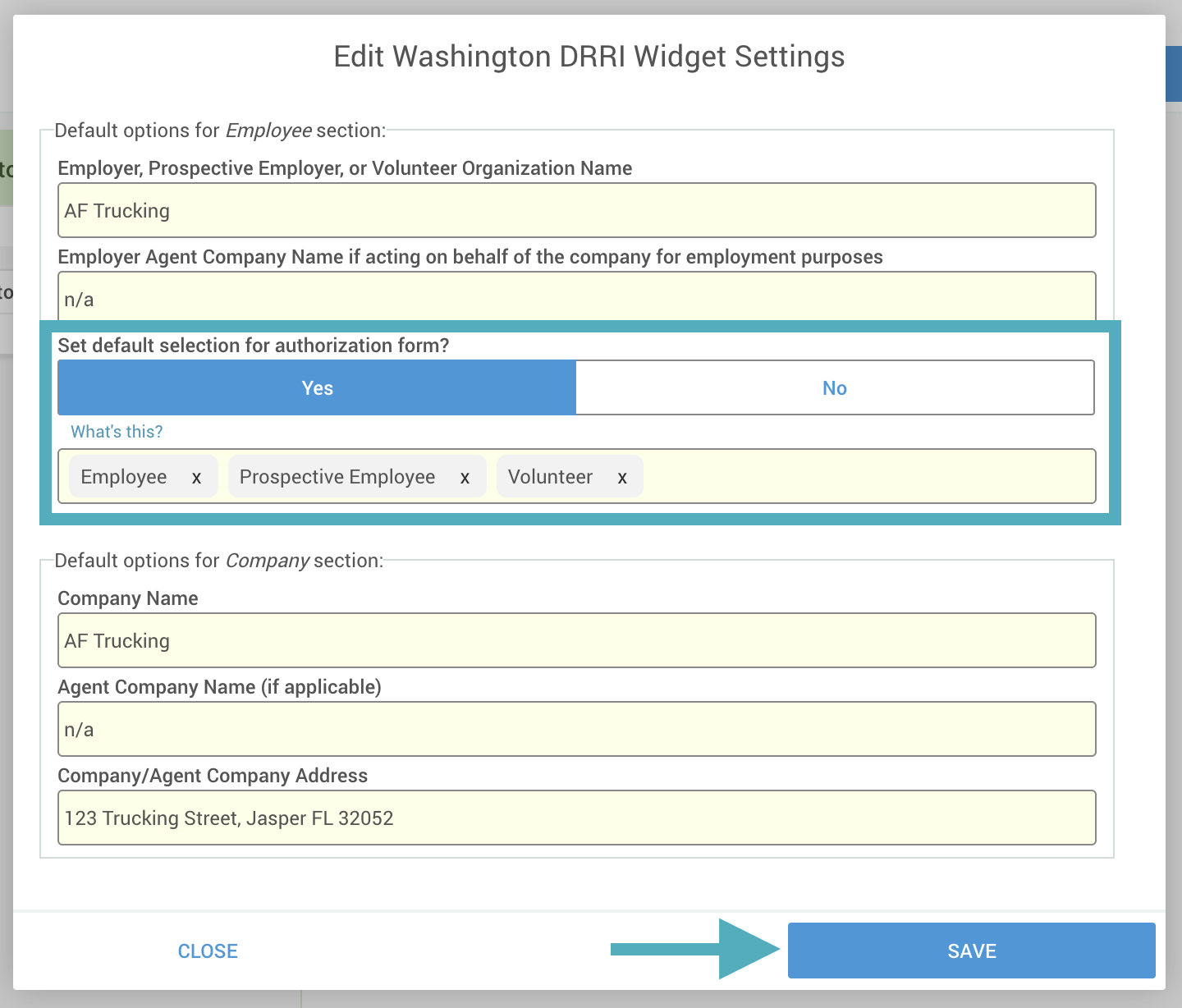
Configured as shown in the example above, the authorization will appear as shown below:
