The Jobs section in DriverHub allows you to add, edit, and manage the job titles available within your company.
Video Walkthrough:
Editing an Existing Job
-
Navigate to Config > Jobs to display a list of existing jobs.
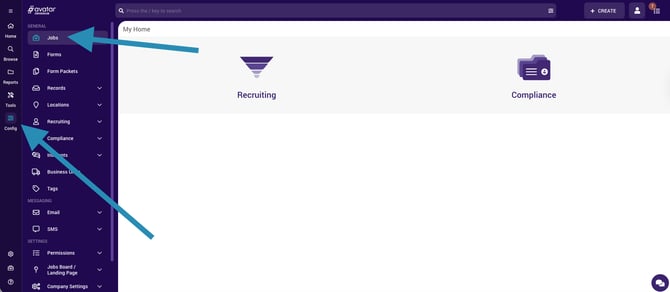
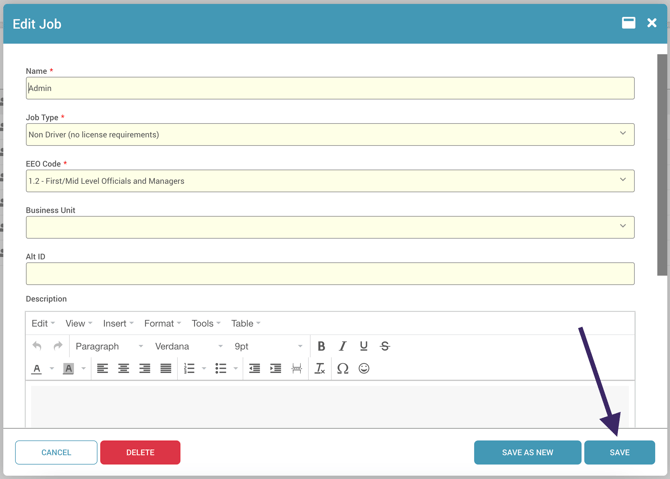
- Click the job you want to edit.

- Update fields as needed then click Save to apply your updates.
Creating a New Job
-
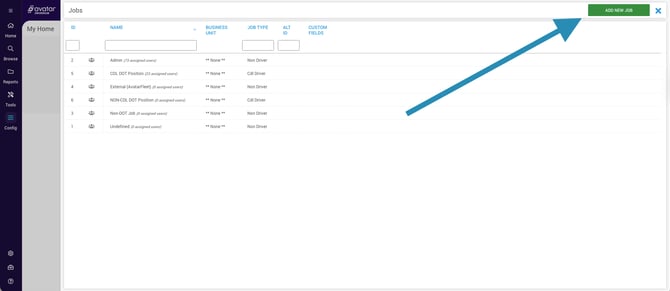
From the Jobs list, click Add New Job in the upper-right corner of the screen.
-
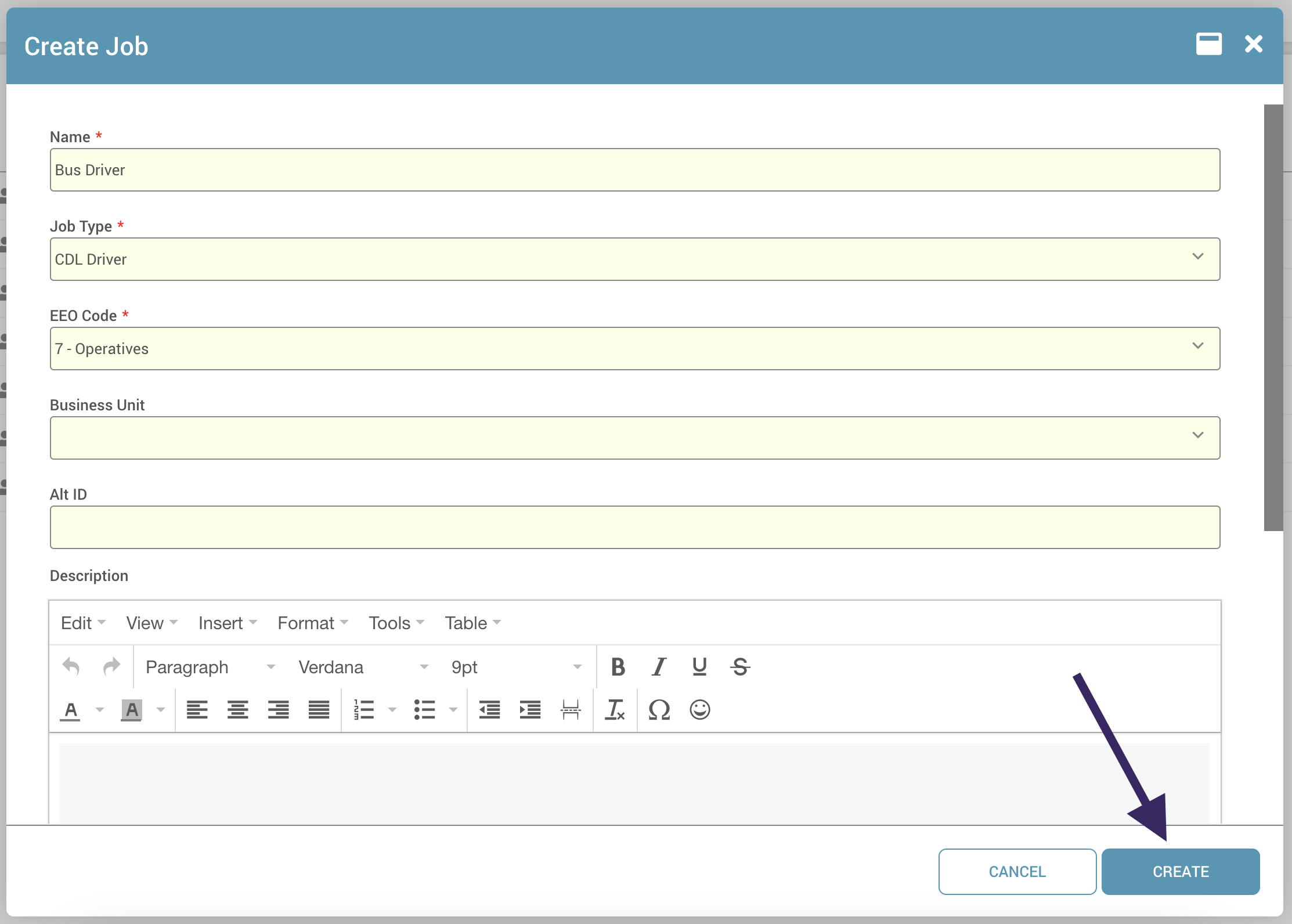
In the window that opens, complete all required fields (marked with a red asterisk*).
-
Optionally, enter a Description in the provided text field.
-
Click Create to add it to your jobs list.