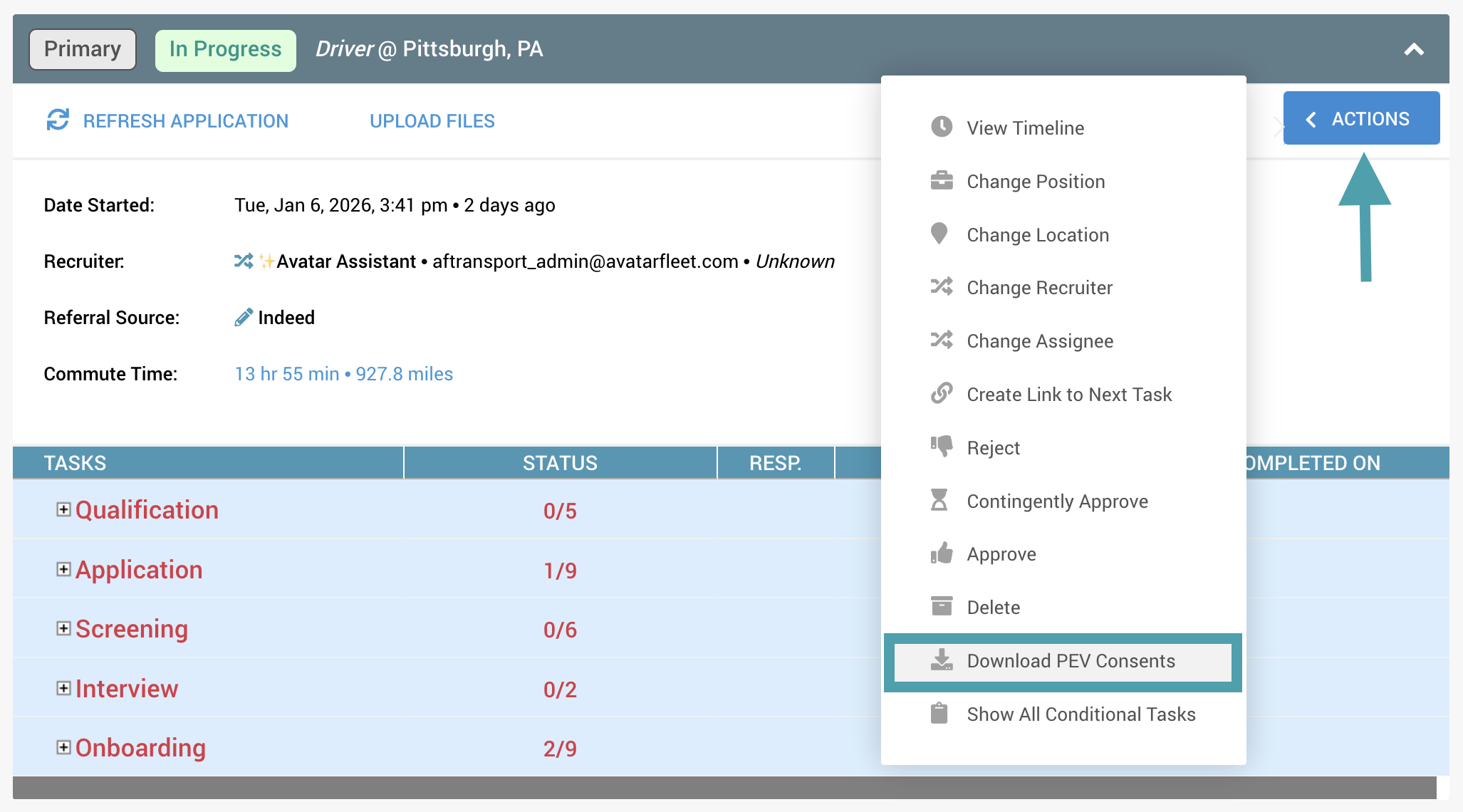
DriverHub allows you to download a candidate’s Previous Employment Verification (PEV) consents from the application workflow. The download will include a .zip file with one consent for each applicable employer.
Step-by-Step Instructions
- Navigate to the candidate profile whose PEV consents you want to download.
- In their application workflow, click on Actions, then click on Download PEV Consents.
- The consents will download to your device.