How to Download a Spreadsheet for Batch Ordering from DriverHub
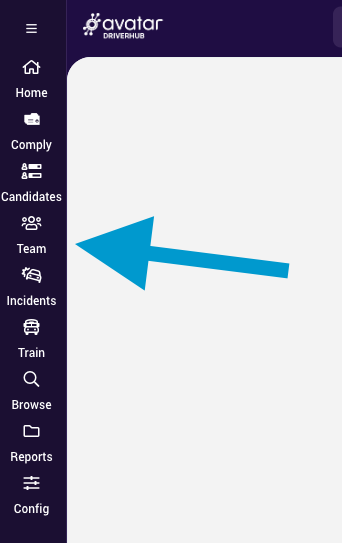
- Navigate to Team.
- Use filtering to narrow down your list and only include employees that you need to run a query on.
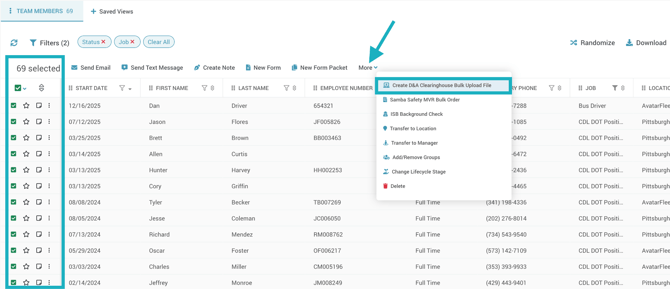
- Use the checkbox at the top left of your list to select all Team Members in the list.
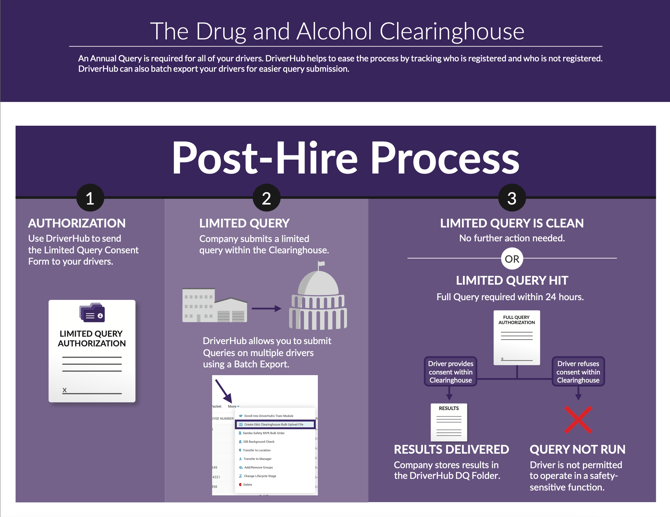
- Click on More from the Mass Actions menu that appears, then click Create D&A Clearinghouse Bulk Upload File.
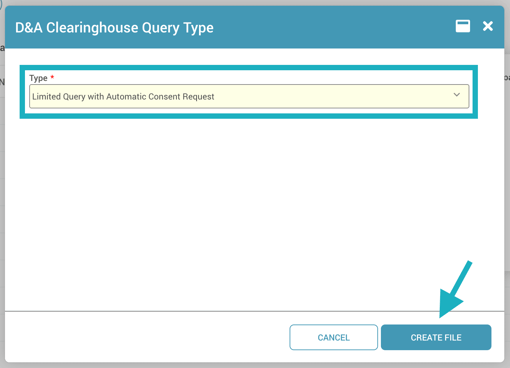
- Select which type of query you want to order, then click Create File. The file will instantly download to your computer.