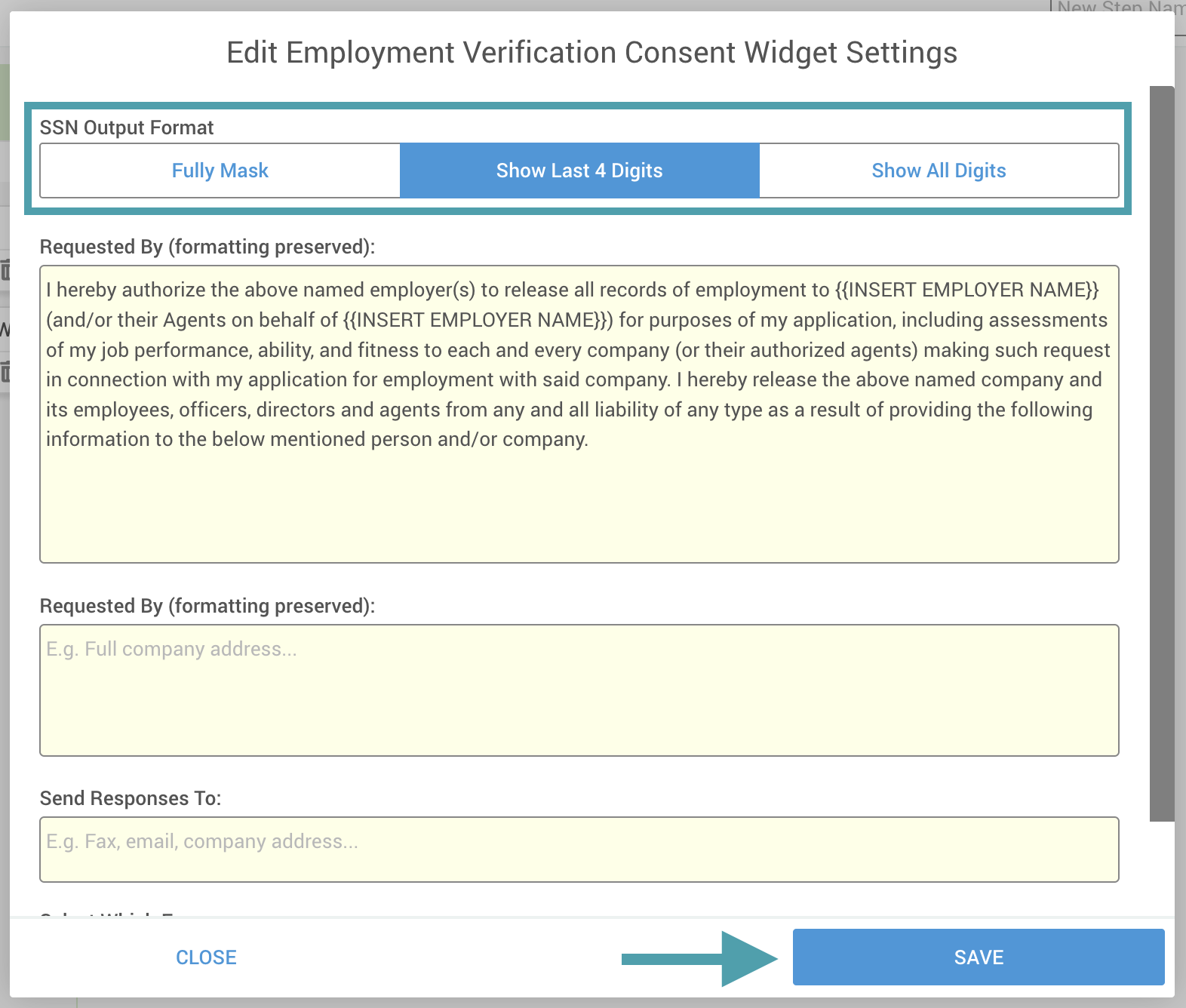
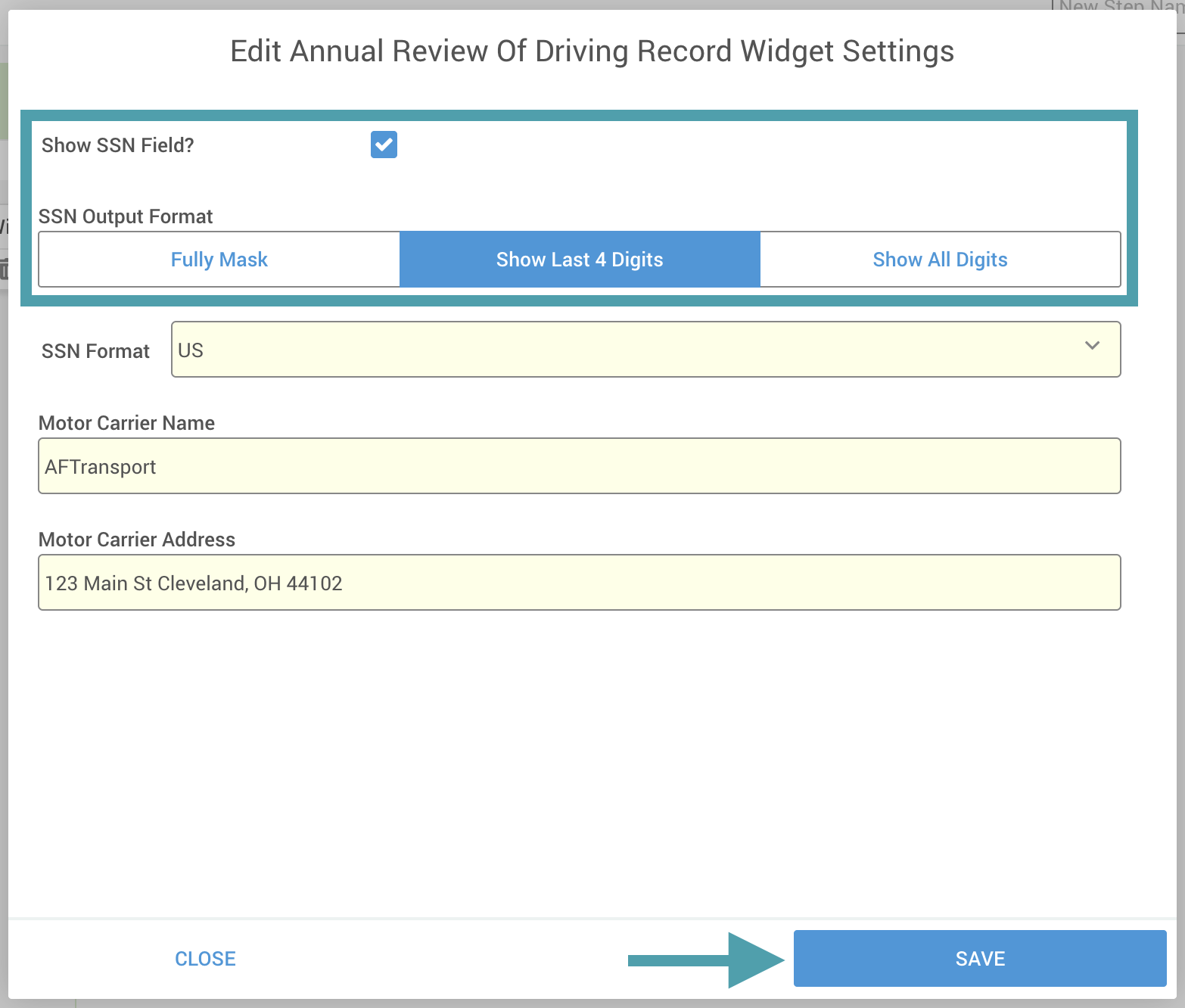
DriverHub provides the ability to configure how Social Security Numbers (SSNs) display on the outputs for the Annual Review of Driving Record and Previous Employment Verification (PEV) consent forms. This setting helps protect sensitive driver information while maintaining compliance documentation accuracy.
The Annual Review Of Driving Record Widget and Employment Verification Consent Widget can be configured to display SSNs in one of three ways:
-
Fully Masked
-
Show Last 4 Digits
-
Show All Digits
Step-by-Step Instructions
-
Navigate to the Config > Forms.
-
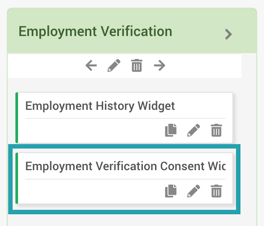
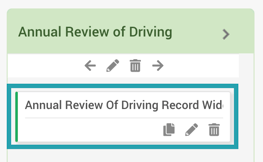
Select the form you want to modify and locate the widget within the form.
-
Click the pencil icon to edit the widget.
-
In the settings window that appears, choose your preferred SSN Output Format then click Save to apply your changes. Note: In the Annual Review of Driving Record, you can choose to not display the SSN at all.